100% Secure & Local Processing

Free Online File Converter
Convert PDF, HEIC, AVIF & 30+ Formats (No Upload)

Convert images, documents, and code between popular formats. 100% private, no uploads to servers, no watermarks, free forever.
No Signup
100% Local
Batch Mode
30+ Formats
Quick Conversion Hub

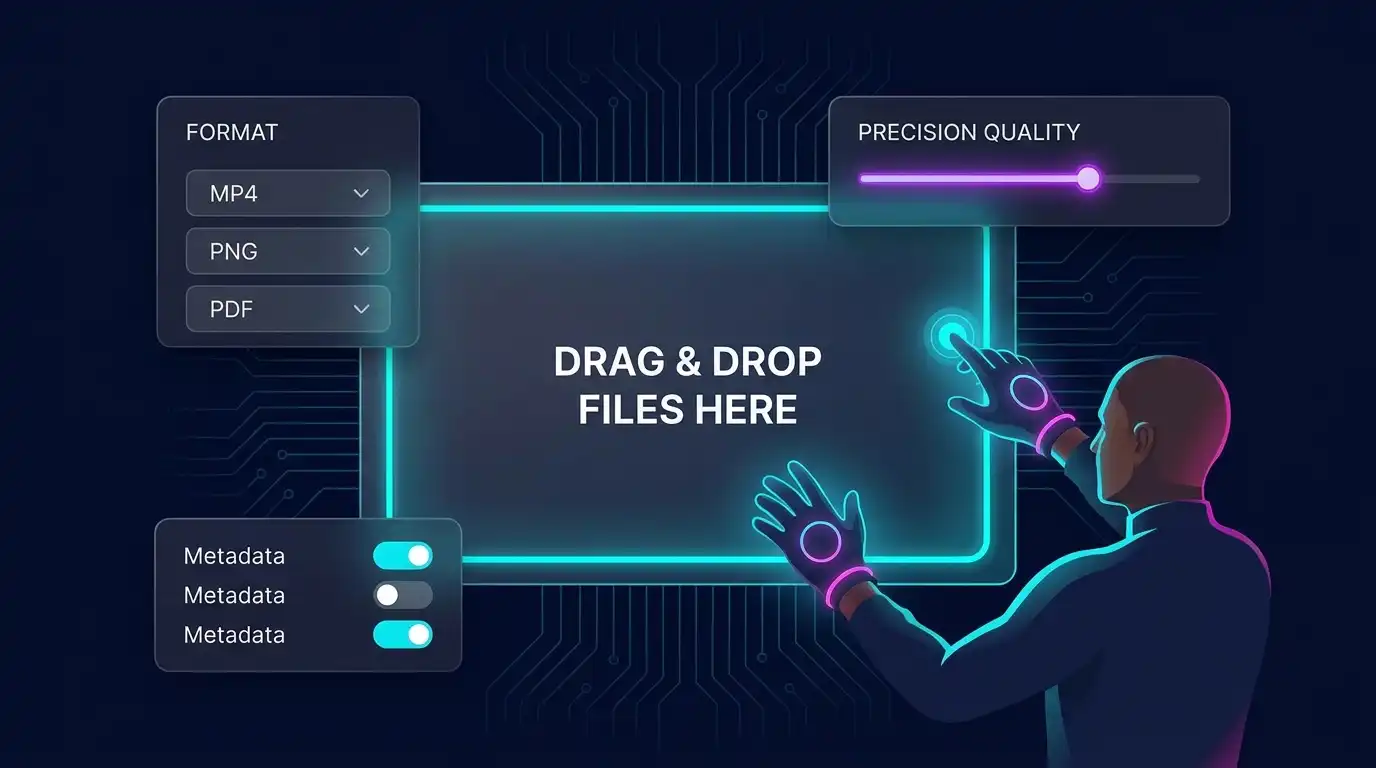
Drag & Drop files here

or click to browse from your device

Supports: JPG, PNG, WEBP, BMP, SVG

Only applies to lossy formats like JPG & WEBP.

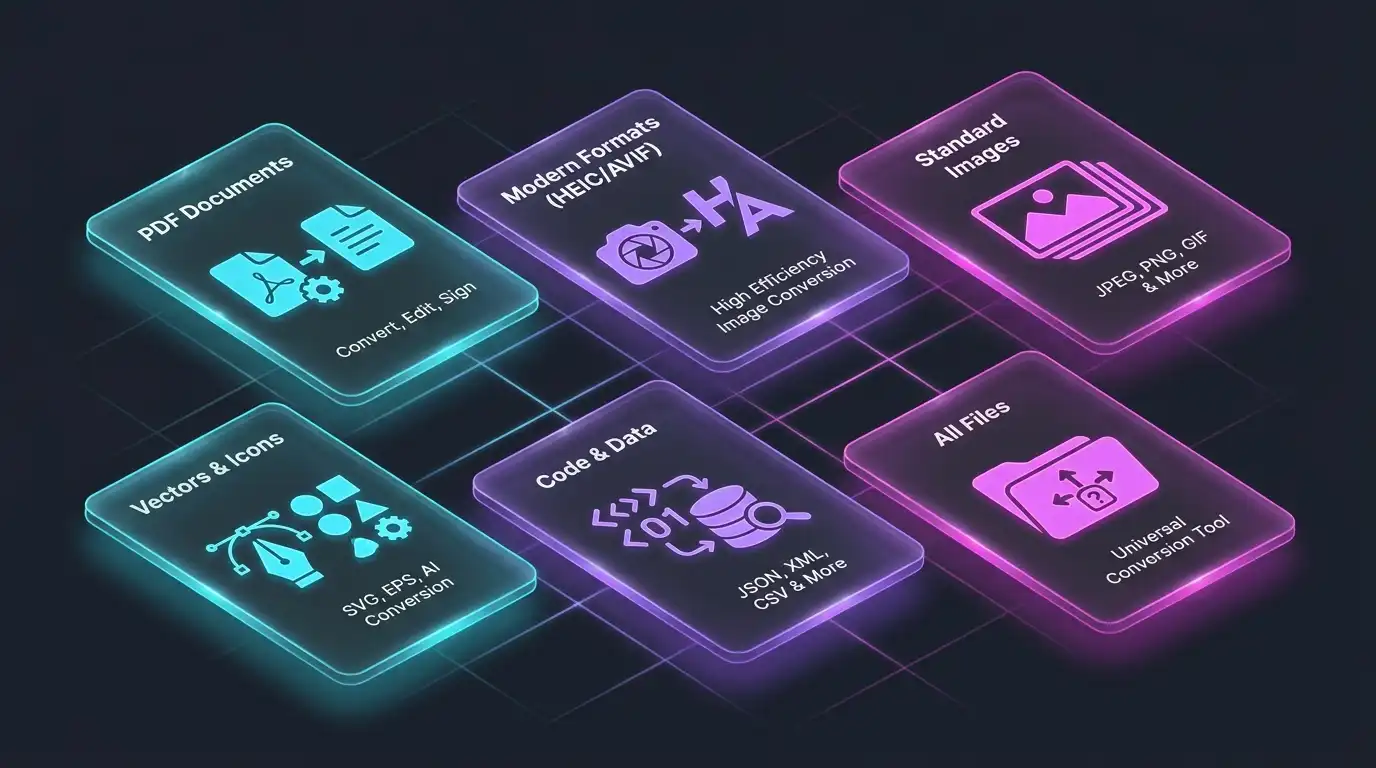
All Supported Conversions

Looking for a specific workflow? Select a dedicated local converter below. Over 30 specialized conversion pipelines available.

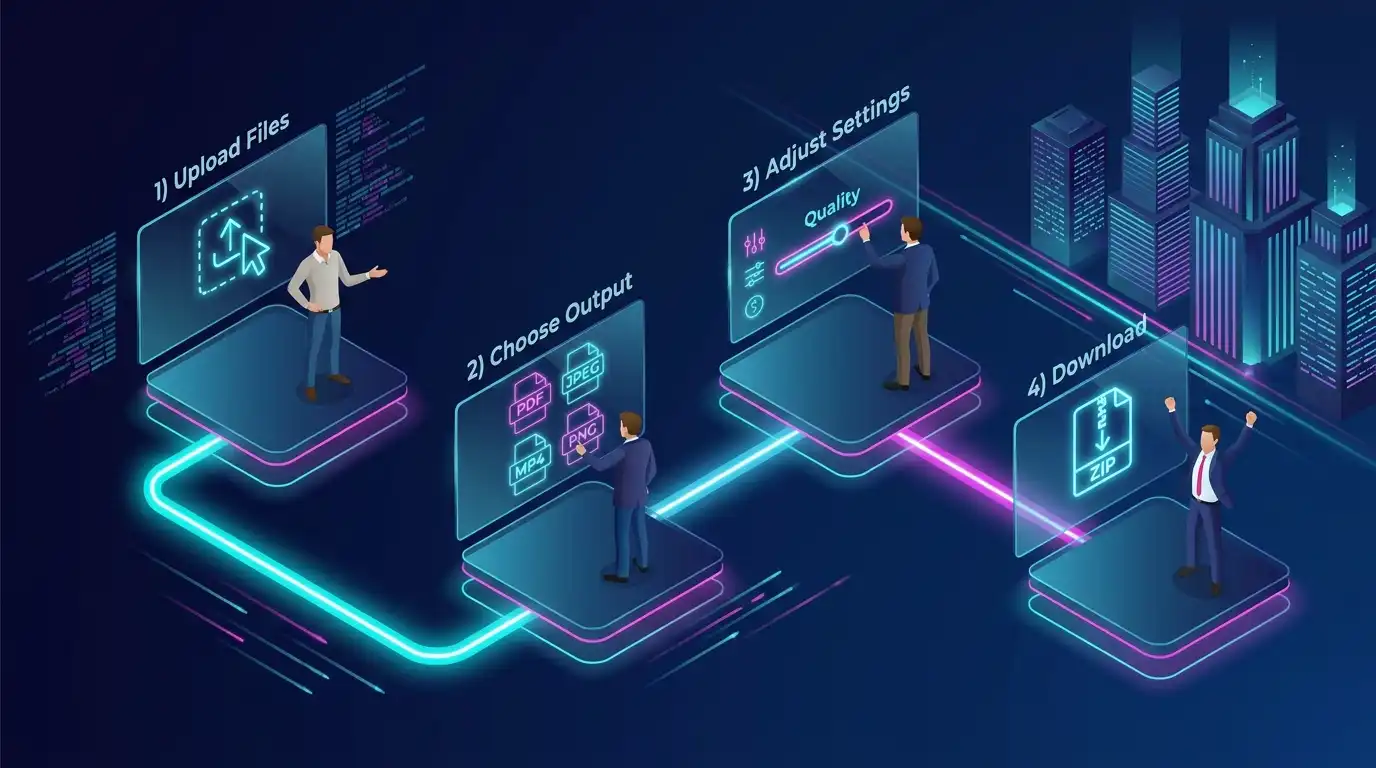
How To Convert Files Online

1. Upload Files

Drag & drop or click to select. Support for multiple files at once. Works with JPG, PNG, WEBP, BMP, SVG, and more.

2. Choose Output

Select from 30+ formats. Use the universal converter above or click on a specific conversion below for dedicated tools.

3. Adjust Settings

Optional: Adjust the quality slider for lossy formats like JPG and WEBP to find the perfect balance between file size and visual fidelity before converting. Manage metadata preservation as needed.

4. Download

Instant local processing. Download individually or as a ZIP archive. No watermarks added, ever.

Why Use Our Free File Converter?

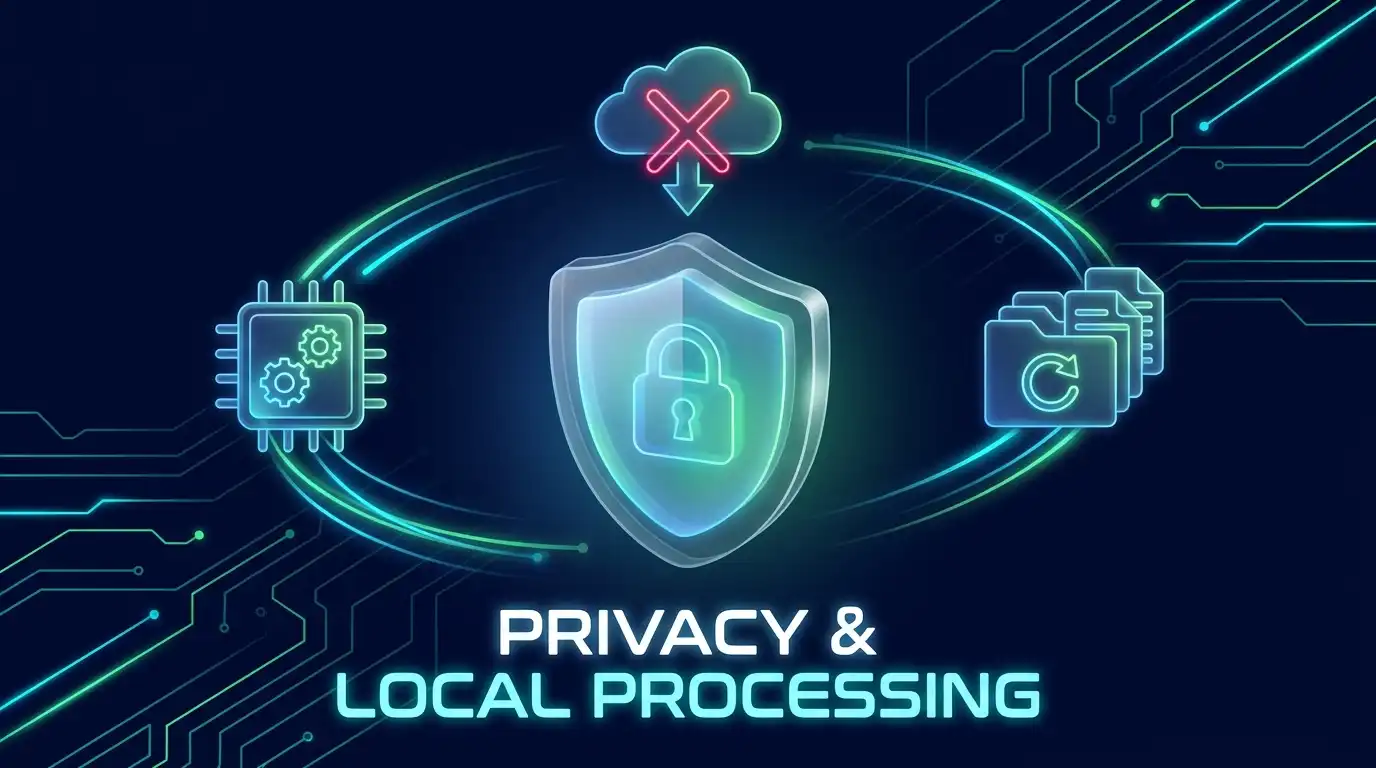
Privacy First (No Upload)

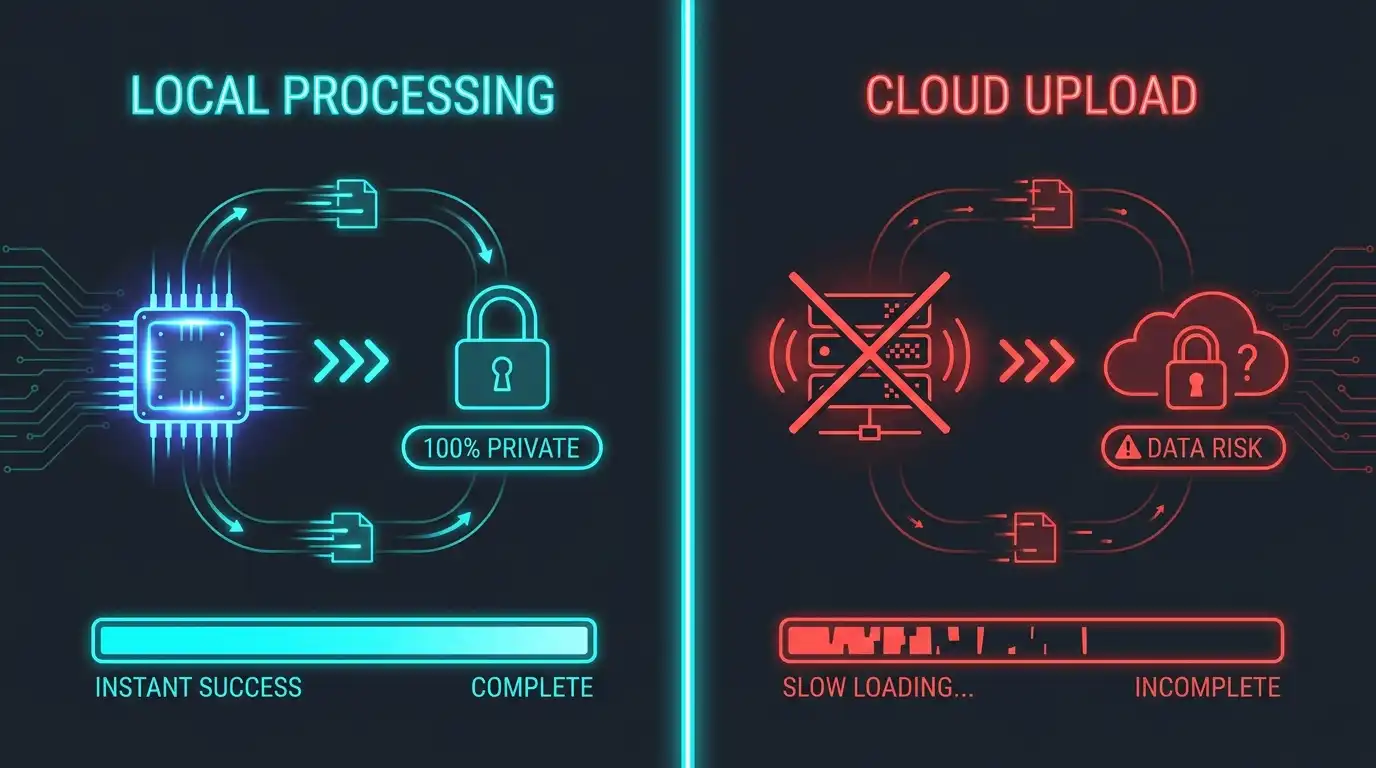
Your files never leave your device. Unlike cloud converters that upload your data to servers, we process everything locally using your browser's power. Your confidential photos and documents stay 100% private. We provide a safe online file converter no server upload, meaning your data is never compromised.

30+ Format Support

From legacy formats (BMP, ICO) to modern standards (AVIF, HEIC, WEBP), we cover all your conversion needs. Whether you're dealing with iPhone HEIC photos or need Base64 strings for web development.

Batch Processing

Convert dozens of files simultaneously. Save hours of manual work by using our batch file converter online. Process multiple files at once and download them individually or packaged in a ZIP archive.

Quality Control

Fine-tune compression for JPG and WEBP with our precision slider (1-100%). Find the perfect balance between file size and visual quality. Preview estimated file size before downloading.

No Watermarks

Your converted files are 100% clean. No forced logos, no branding, no "converted with" stamps. What you convert is what you get. Perfect for professional and commercial use.

Large File Support

No artificial limits imposed by us. The only limit is your device's capacity. We've tested files up to 50MB+ seamlessly. Mobile devices recommended up to 20MB for best performance.

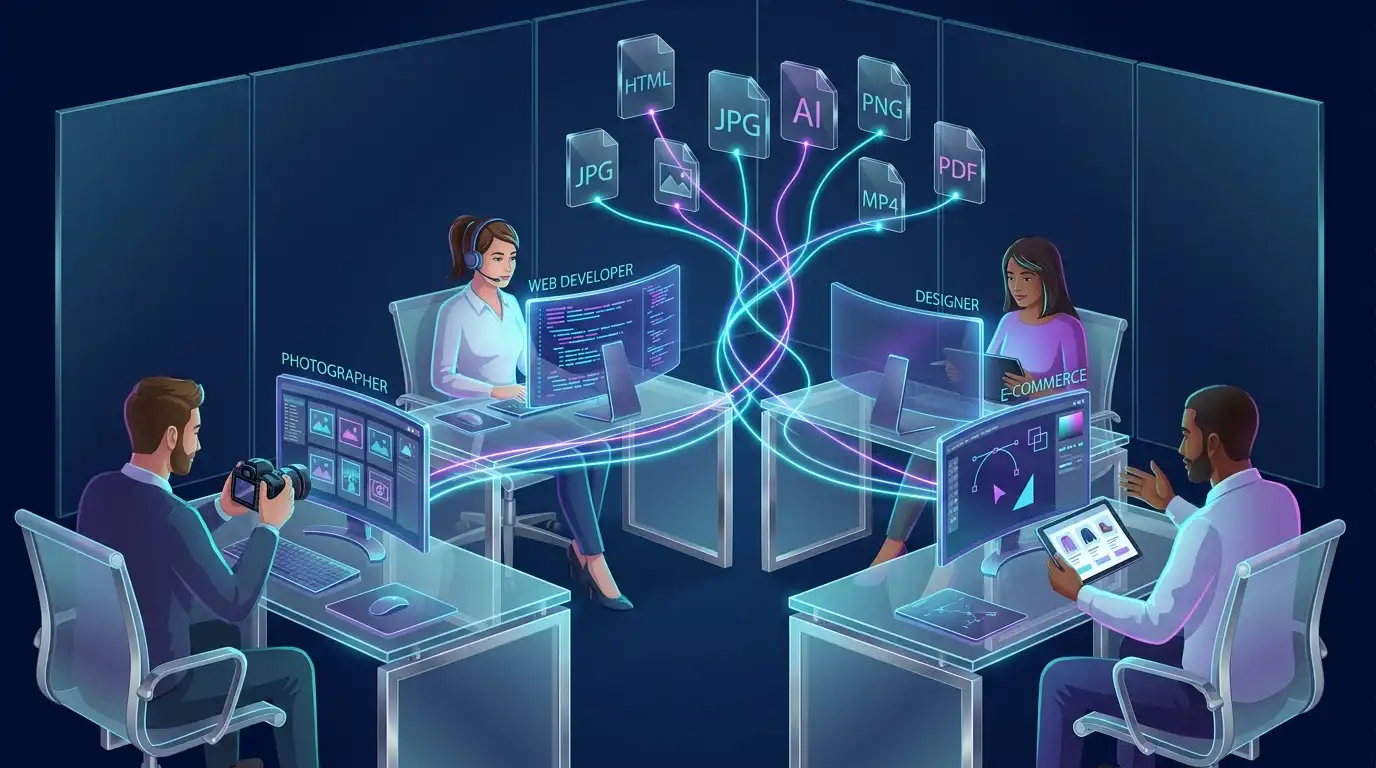
Perfect For Every Workflow

See how professionals use our image converter no upload ecosystem daily.

iPhone Users

Convert HEIC photos to JPG for compatibility with Windows, Android, or older software. Solve the "iPhone photo won't open" problem instantly with our iphone heic to jpg converter browser tool. You can effortlessly convert heic to jpg on windows free without installing extra software.

Web Developers

Transform PNGs to WEBP/AVIF or compress and convert png to webp locally for faster website loading. Generate Base64 strings for CSS embedding and extract base64 from image online free. Extract ICO files for favicons effortlessly.

Document Management

Scan receipts and invoices as JPG, then compile into professional PDFs. Extract pages from PDF documents as high-quality images securely, or use our tool to batch convert pdf to jpg online no upload to keep your business data completely private.

Designers

Convert SVG vectors to PNG/JPG for use in presentations or social media. Maintain quality across different use cases easily.

E-commerce

Optimize product images by converting to WEBP for faster page loads. Convert product photos to consistent formats via batch processing.

Photographers

Batch convert RAW exports to JPG for sharing. Preserve EXIF metadata when needed. Convert between formats safely, or convert avif to jpg without losing quality when dealing with next-gen image formats.

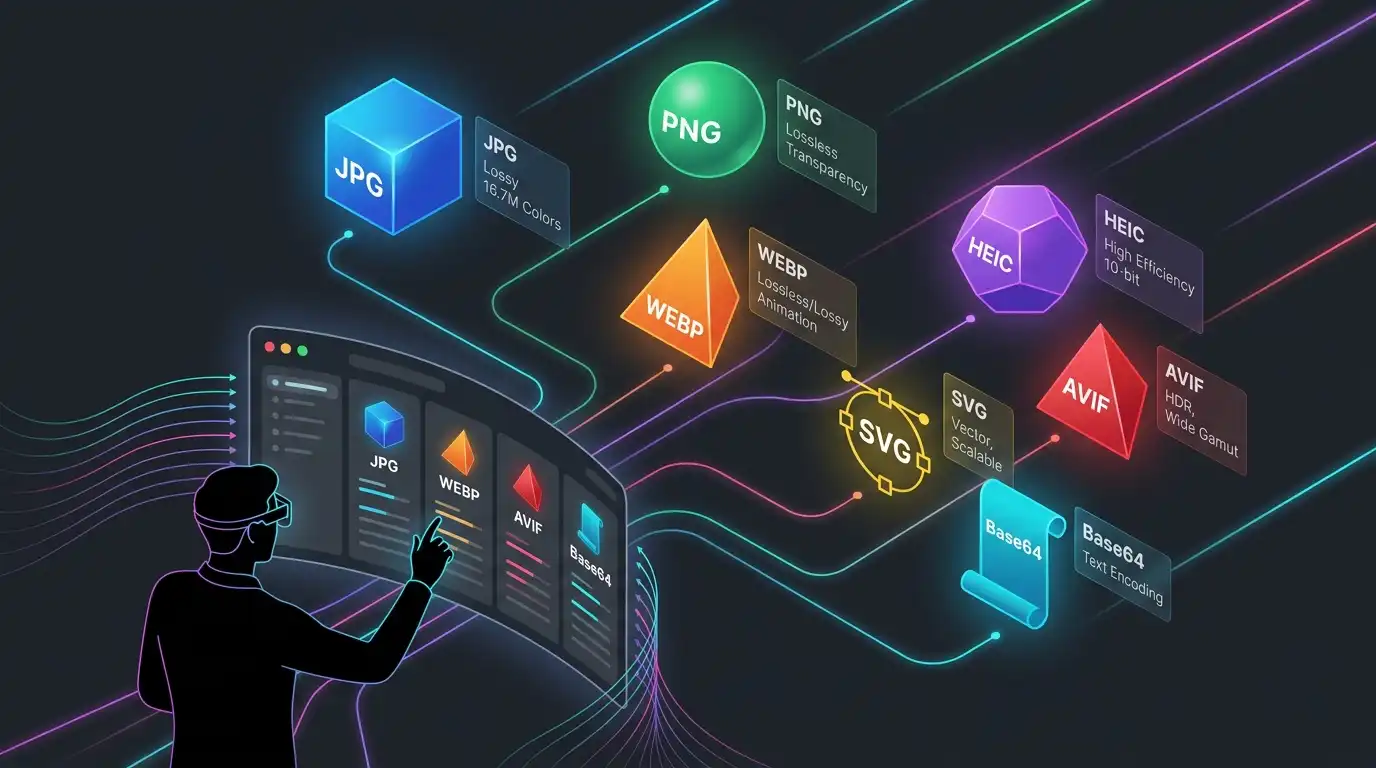
Supported Formats Explained

PDF (Portable Document Format)

Universal for documents, contracts, and reports. We can extract pages as images or compile images into PDFs.

JPG/JPEG (Joint Photographic Experts Group)

Best for photos. Lossy compression, small file size, universal compatibility. Ideal for web and sharing.

PNG (Portable Network Graphics)

Lossless compression, supports transparency. Ideal for graphics, logos, screenshots, and images requiring perfect quality.

WEBP (Google Image Format)

Modern format by Google. Superior compression to JPG/PNG with smaller file sizes while maintaining quality. Growing browser support.

HEIC (High-Efficiency Image Container)

Apple's default photo format since iOS 11. High efficiency but limited compatibility outside Apple ecosystem. Often needs conversion to JPG.

AVIF (AV1 Image File Format)

Next-gen format with even better compression than WEBP. Smaller file sizes with excellent quality. Newer but growing browser support.

SVG (Scalable Vector Graphics)

Infinite resolution, perfect for logos and icons. Can be converted to raster formats (PNG/JPG) for universal use.

BMP (Bitmap)

Legacy bitmap format. Uncompressed, large file sizes. Rarely used today but still supported for compatibility.

GIF (Graphics Interchange Format)

Supports animation. Limited to 256 colors. Best for simple animations and retro aesthetics. Note: For advanced GIF creation with timeline control, use our dedicated GIF Maker.

ICO (Icon Format)

Windows icon format. Used for website favicons and application icons. Extract high-quality graphics from icon files.

Base64 (Data Encoding)

Text representation of binary data. Used for embedding images directly in code (CSS, HTML, JSON). Eliminates HTTP requests for small assets.

Pro Tips For File Conversion

When to use JPG vs PNG

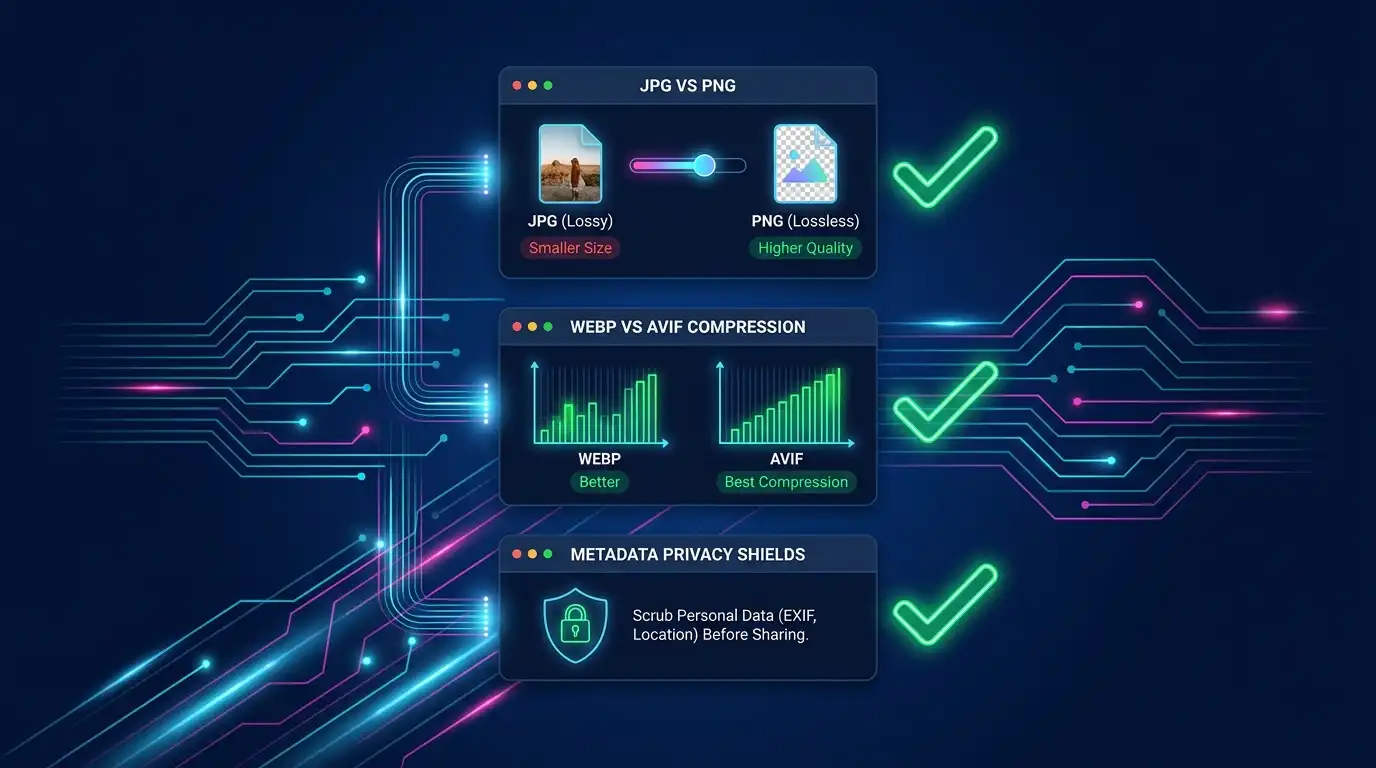
JPG for photos (smaller size, lossy), PNG for graphics with transparency (lossless, larger size).

WEBP vs AVIF

WEBP has broader browser support (95%+), AVIF offers better compression (30% smaller) but newer browsers only (85%+). Use WEBP for maximum compatibility.

HEIC to JPG Strategy

Always convert HEIC to JPG when sharing with Windows users or uploading to older web forms to ensure maximum compatibility without losing visual detail.

Batch processing best practices

Use ZIP download for organization. Files keep original names. Process in batches of 20-30 files for optimal performance on mobile devices.

Quality settings guide

For web use, 80-85% quality is often indistinguishable from 100% but results in 50% smaller files. For print, use 95-100%.

Metadata privacy

EXIF data contains camera settings, GPS location, date/time. Remove metadata before sharing sensitive photos online using our "Remove EXIF" option.

Edit Image Free Converter vs. Other Online Converters

Feature Edit Image Free Cloud Converters
Privacy Model Local processing Cloud upload
Batch Mode Unlimited Limited/Paid
Format Support 30+ formats 10-15 formats
Quality Control Precision slider Fixed settings
Free Forever Yes Freemium/Ads
No Watermark Yes Forced branding
Large File Support No limits 5-10MB limits
ZIP Download Yes No/Paid

Frequently Asked Questions

Is there a file size limit?
No hard limits imposed by us. It depends on your device's memory and browser capacity. We've tested with 50MB+ files smoothly on desktop. For mobile devices, we recommend up to 20MB for best performance.
Can I convert multiple files at once?
Yes, use batch mode to convert dozens of files simultaneously. You can download as individual files or receive everything packaged in a single ZIP archive for easy organization.
Will I lose quality during conversion?
It depends on the formats. Converting from lossless (PNG) to lossy (JPG) will reduce quality slightly. Use our quality slider (1-100%) to control the balance between file size and visual quality. Converting between same-type formats (JPG to PNG) preserves 100% quality.
Can I convert PDF to editable Word documents?
No, we focus on image and format conversion. PDF to Word requires OCR (Optical Character Recognition) technology which is beyond our current scope. We can extract PDF pages as images though.
Are my files uploaded to your servers?
Absolutely not. All processing happens 100% locally in your browser using your device's power. Your files never leave your device, never travel across the internet, and are completely private.
Can I convert videos or audio files?
Currently we focus on images, documents, and code formats (PDF, JPG, PNG, WEBP, HEIC, AVIF, SVG, Base64, etc.). Video and audio conversion is not supported at this time.
Is it really free? Are there hidden limits?
Yes, 100% free forever. No hidden fees, no subscriptions, no daily limits, no watermarks. All features available to all users without registration or payment.
Is it safe to convert sensitive documents (like IDs or contracts) to PDF or JPG online?
Yes, it is 100% safe. Unlike cloud converters, our tool processes files strictly locally in your browser. Your sensitive documents never travel over the internet or touch our servers.
How do I convert HEIC files to JPG on a Windows PC?
Simply drag and drop your iPhone HEIC photos into our converter, select JPG as the output format, and click convert. The tool handles the Apple-specific format natively in your browser.

Related Workflow Tools