Free Glitter Text Generator Online
Sparkle, Gold & Holographic Effects (No Upload Required)
Create breathtaking designs instantly. The most advanced glitter font generator online right in your browser. 100% private, no uploads, no watermarks, no signup.
Glitter Studio
1. Background / Canvas
2. Elements (Text & Overlay)
Choose if you want the glitter effect on text, on the background image, or both.
3. Glitter Style (Shared)
These sliders control the glitter for BOTH the text and the image.
4. Text Formatting
BROWSER-BASED GLITTER STUDIO
The Ultimate Glitter Text Studio
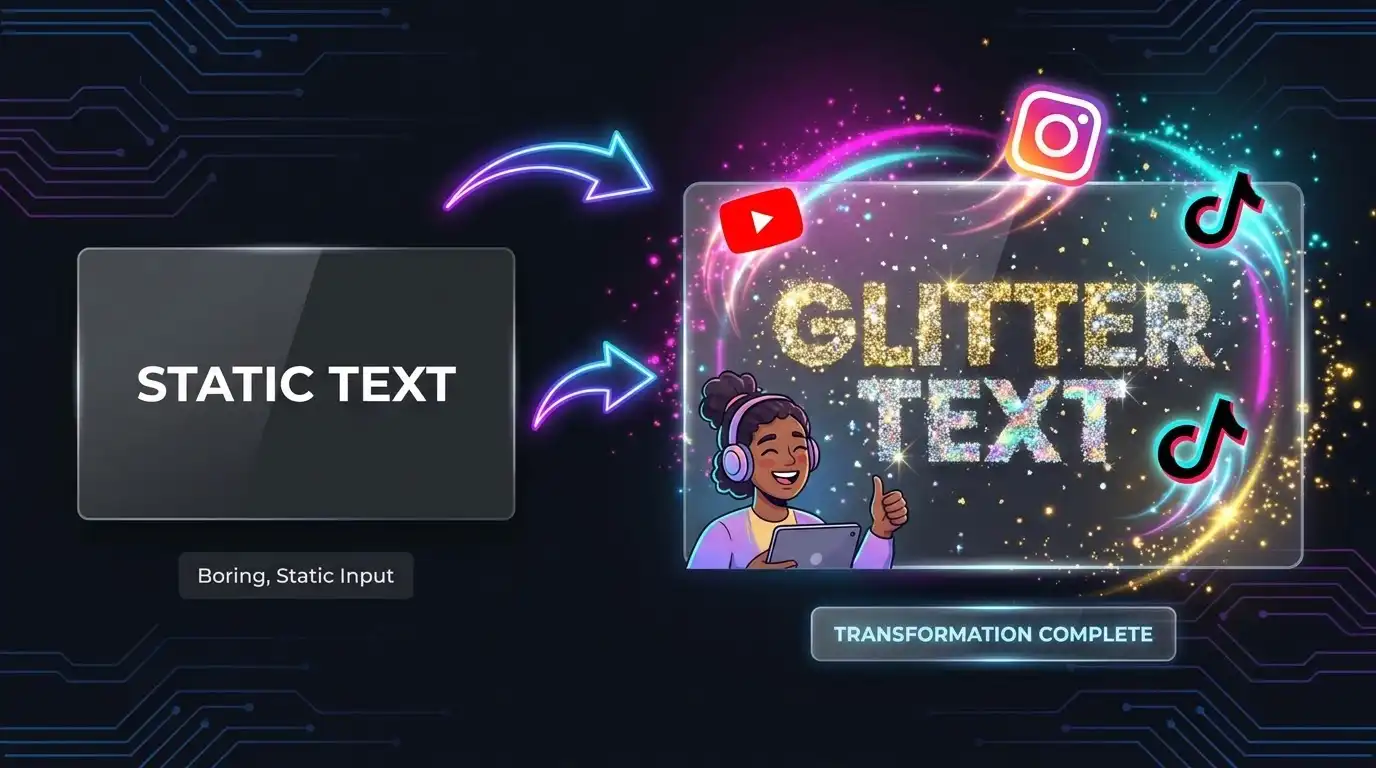
In today's fast-paced digital world, capturing your audience's attention requires striking visuals. Glitter text has become an essential visual element for social media creators, YouTubers, and digital marketers looking to grab attention in crowded feeds. Whether you need a sparkling gold title for an Instagram story, a shimmering holographic effect for a YouTube thumbnail, or an animated sparkle GIF for TikTok, our glitter text generator online free gives you complete creative control directly in your browser.
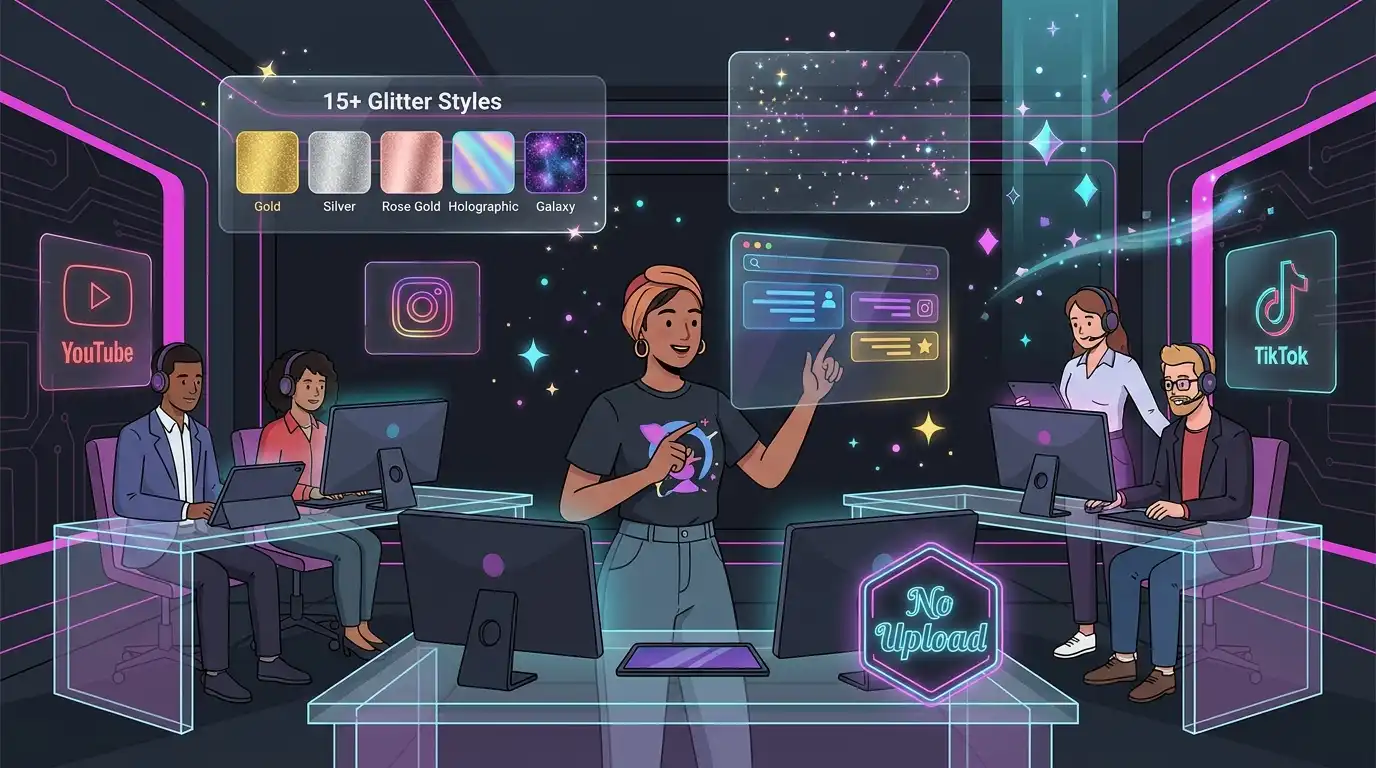
Unlike other online generators that limit your design options, force intrusive watermarks, or make you pay for high-quality downloads, our sparkle text maker online no upload offers an uncompromised experience. We have developed the ultimate glitter font generator online that features over 15 distinct glitter styles, multiple particle shapes (including stars, hearts, circles, and platform-specific icons like YouTube, Instagram, and TikTok), and comprehensive font customization.
With just a few clicks, you can add realistic sparkle effects and export your final artwork as a transparent PNG, high-quality static JPG, or an engaging animated glitter text gif maker. The best part? Everything is processed locally in your browser using advanced HTML5 Canvas technology, meaning your designs never leave your device. Complete privacy, professional results, and absolute zero cost. Remember, this tool works perfectly alongside our Background Remover to isolate elements, or our Advanced Photo Editor for post-processing adjustments. If your exported GIF is too large, you can easily optimize it with our Image Compressor.
How to Create Glitter Text
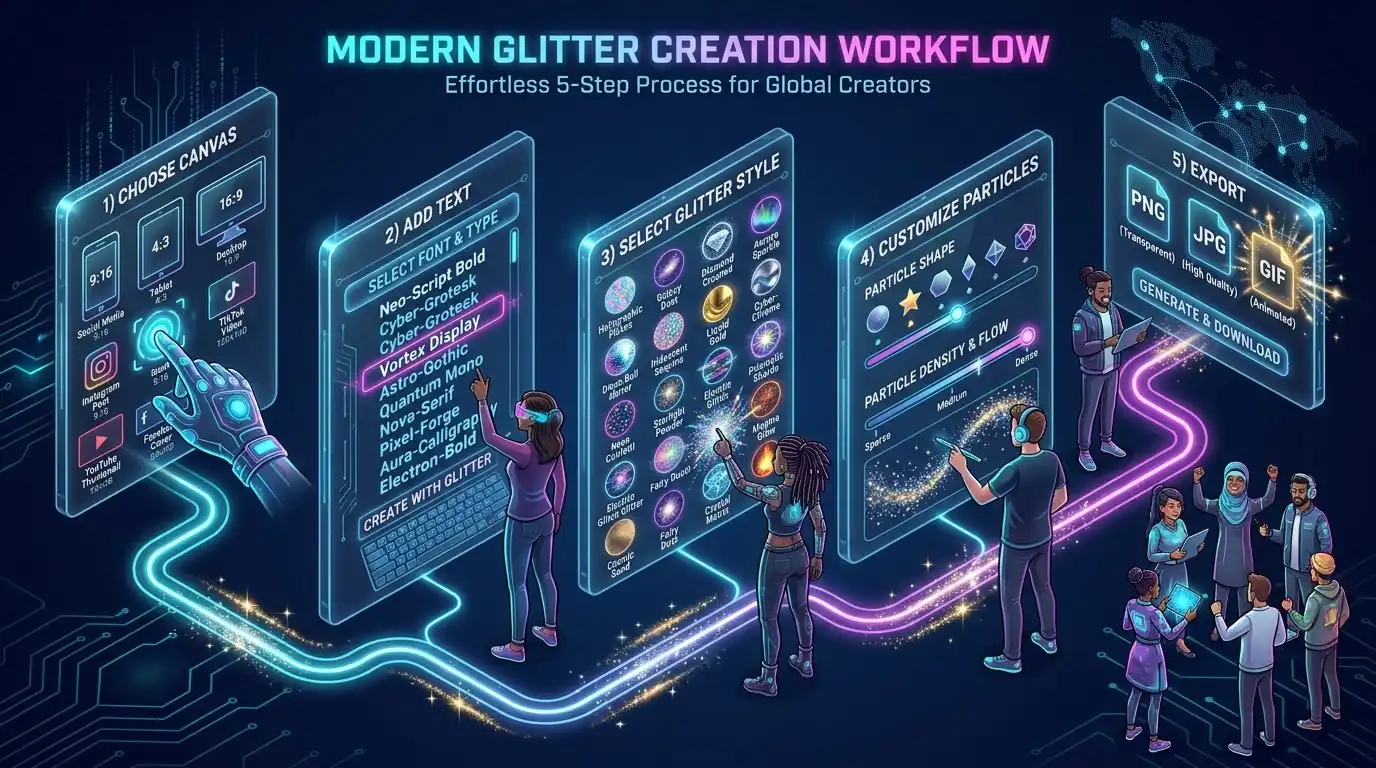
Choose your canvas
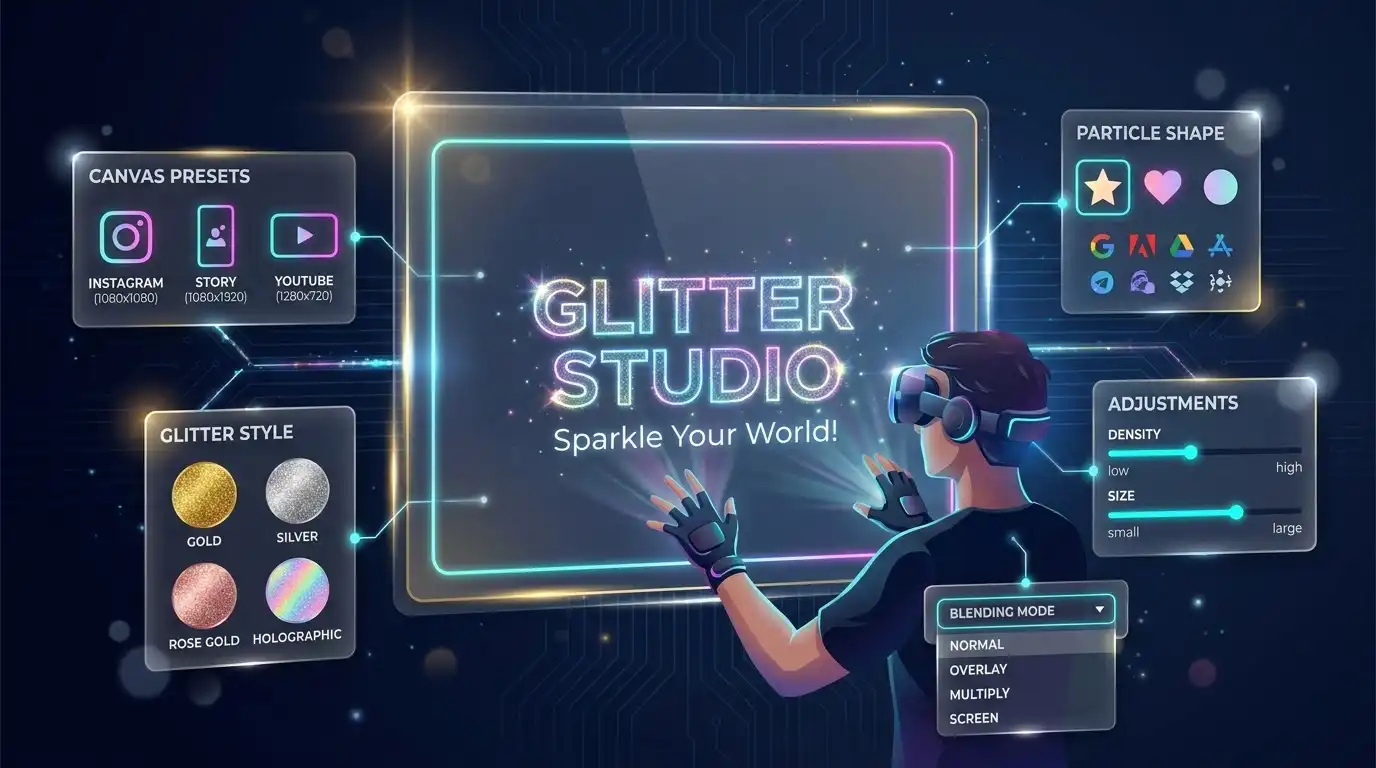
Start by setting the stage. Select a preset size tailored for social media, such as an Instagram Post (1080x1080), a Story/Reel (1080x1920), a YouTube Thumbnail (1280x720), or an FHD Wallpaper (1920x1080). You can also enter custom dimensions. If you plan to create overlays, click "Set Transparent BG". You can even upload your own static image or GIF background to build upon. If you need to isolate a subject first, consider using our Background Remover before uploading your background.
Add your text
Click the "Add Text" button to insert your message. Our tool provides 11 professional and highly legible fonts, ranging from clean sans-serifs like Inter and Montserrat to striking display fonts like Bangers, Righteous, and Anton. You have full control over the font size, letter spacing, outline thickness, and the intensity of the shadow or glow blur. This flexibility ensures your glitter text for social media stands out beautifully.
Select a glitter style
This is where the magic happens. Pick from over 15 unique styles in our library. Choose from Solid Gold, Solid Silver, Rose Gold, Ruby Red, Emerald, Sapphire, Holographic, Galaxy, or various transparent sparkle patterns. By clicking "Add Glitter to Background", you can also apply this glitter overlay text on images, blending it seamlessly.
Customize particles
Tailor the exact look of your sparkles. Adjust the particle shapes (choose from classic Stars/Sparkles, Circles, Hearts, or specific YouTube, Instagram, and TikTok icons). Fine-tune the density and particle size to ensure the text remains legible. You can also experiment with layer blending modes (Normal, Overlay, Multiply, Screen, Color Dodge, Difference) and opacity controls for a professional composite.
Export your creation
Once you are satisfied with your shiny text, it's time to download. Choose PNG to get glitter text transparent background png graphics (ideal for overlays), select JPG for standard static images, or click GIF to get a fully animated sparkle text gif free of charge. You get glitter text no watermark free forever.
Understanding Glitter Styles: When to Use Each
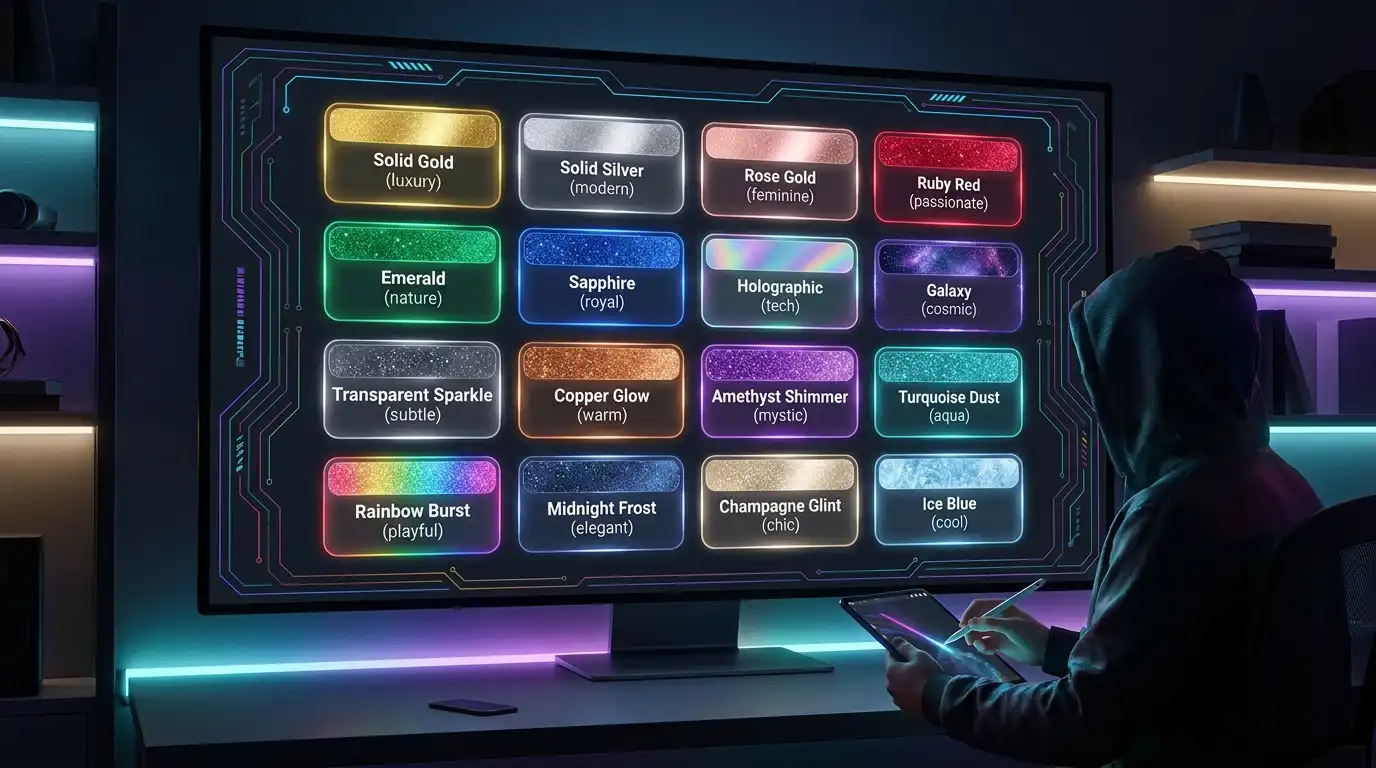
Choosing the right color and texture is vital in digital design. Our generator provides an extensive palette of glitter text with custom colors. Here is a breakdown of each glitter style and its ideal use case:
✨ Solid Gold & Rose Gold
Delivers a classic luxury feel. Our gold glitter text generator free is perfect for premium brand announcements, award graphics, and holiday promotions. The rose gold glitter text generator is trendy and feminine, perfect for beauty brands, wedding invitations, Valentine's Day content, and lifestyle influencer marketing.
✨ Solid Silver & Holographic
Silver is sleek, modern, and icy. Use our silver glitter text maker online for tech product launches and minimalist luxury designs. Our holographic text generator online creates a multi-colored rainbow effect that shifts beautifully, ideal for tech brands, music festivals, and Gen-Z focused marketing.
🌌 Gemstones & Galaxy
Rich and highly saturated. Ruby Red is perfect for passionate headlines. Emerald Green is ideal for financial services or nature themes. Sapphire Blue provides a deep, royal look. The galaxy text effect online free combines deep purples, blues, and neon pinks, perfect for space-themed content.
✨ Transparent Sparkles
These unique styles (White, Gold, Silver, Holographic) generate animated sparkle effects with entirely transparent backgrounds rather than a solid color fill. They are perfect for overlaying on existing images, videos, or social media posts without blocking the background content behind the text.
Best Practices for Glitter Text Design
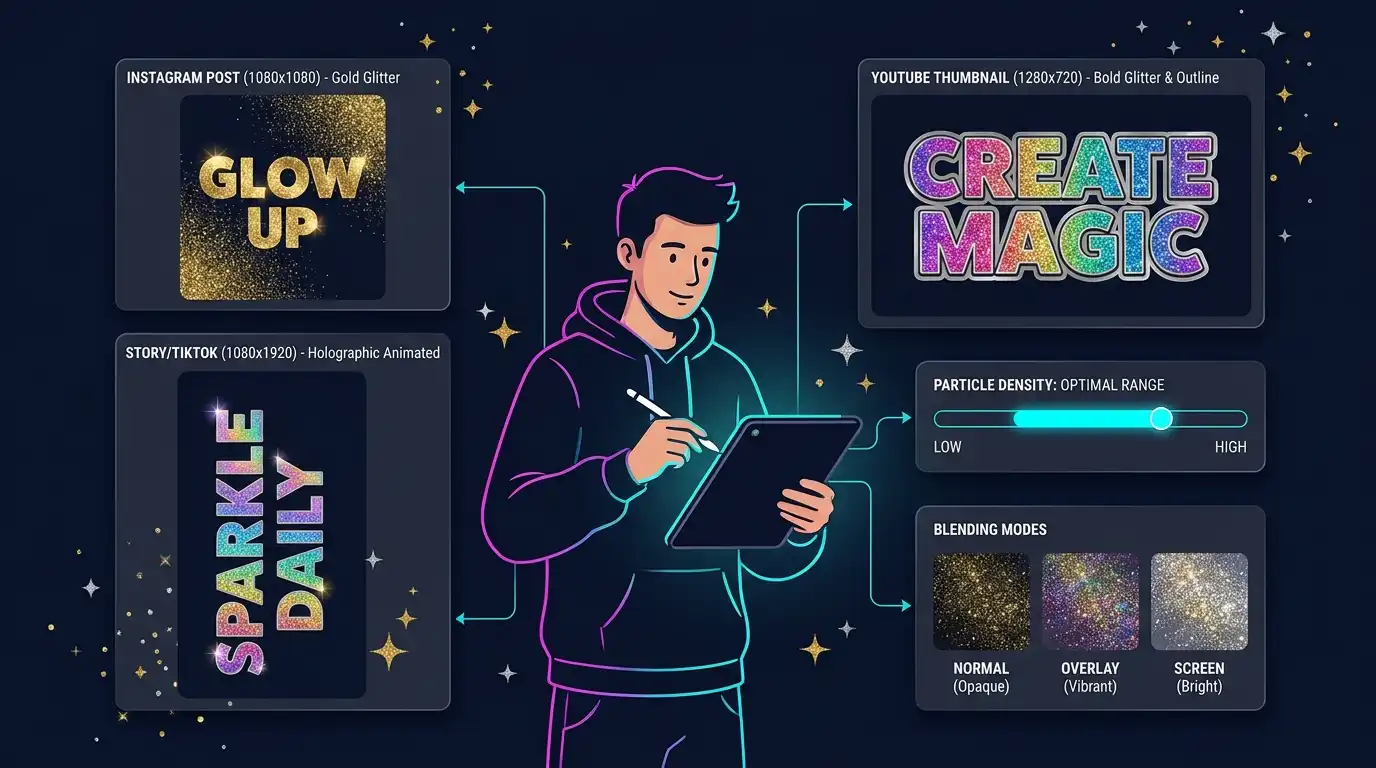
For Instagram Posts
Use a 1080x1080 canvas size. Gold or rose gold glitter aesthetics work exceptionally well for luxury, fashion, and beauty niches. We recommend exporting as a PNG with a transparent background so you can seamlessly overlay the shiny text onto your high-quality photos using our Advanced Photo Editor.
For Stories & TikTok
When creating glitter text for stories and reels or tiktok videos, select the 1080x1920 portrait canvas. Exporting an animated GIF is highly recommended here, as movement stops users from swiping past your content. The holographic and galaxy styles perform exceptionally well for younger audiences on these vertical formats.
For YouTube Thumbnails
Readability is everything. Use the 1280x720 canvas with thick, bold fonts like Anton or Bangers. Apply high-contrast glitter (such as bright gold or holographic on dark backgrounds) and ensure you add a thick dark outline and glow using the Text Formatting panel so the text pops even on small mobile screens.
Particle Shapes
Beyond traditional stars, utilize our platform-specific particle shapes. Use the YouTube play-button particles for channel art, or the Instagram camera icon for influencer marketing, or the TikTok music note for Gen-Z content. Hearts are perfect for Valentine's Day and romantic promotions.
Font Selection Strategy
Match your font to your message. Use script fonts (Pacifico, Dancing Script, Caveat) for elegant, feminine, or personal designs. Switch to display fonts (Bangers, Righteous) for bold, loud, and attention-grabbing marketing headlines.
Controlling Density
Less is often more. Start with a medium particle density (around 1200 on the slider). If you crank the density too high on very small text, it can become unreadable. Adjust the particle size accordingly. Also, experiment with blending modes like Overlay and Screen for subtle integration.
Privacy & Security Guarantee

100% Client-Side Processing
In an era where data privacy is paramount, we take your security seriously. Most online design tools force you to upload your personal photos and intellectual property to remote servers, where they might be stored, analyzed, or leaked. Because our sparkle text effect browser based generator uses advanced HTML5 Canvas and JavaScript running directly on your computer's browser, your designs never leave your device.
- No server uploads, no data tracking, and no cloud storage of your images.
- Safe and secure for commercial projects, corporate brand assets, and highly confidential designs.
- Works completely offline once the page has initially loaded.
Completely Free, Zero Watermarks
We strongly believe in an open, accessible internet. Our platform requires zero account creation, zero email collection, and employs zero invasive tracking scripts on your actual media files. Furthermore, you will receive your downloaded files in full resolution without any forced logos, providing a true glitter text no watermark free experience for all creators.
FREQUENTLY ASKED QUESTIONS