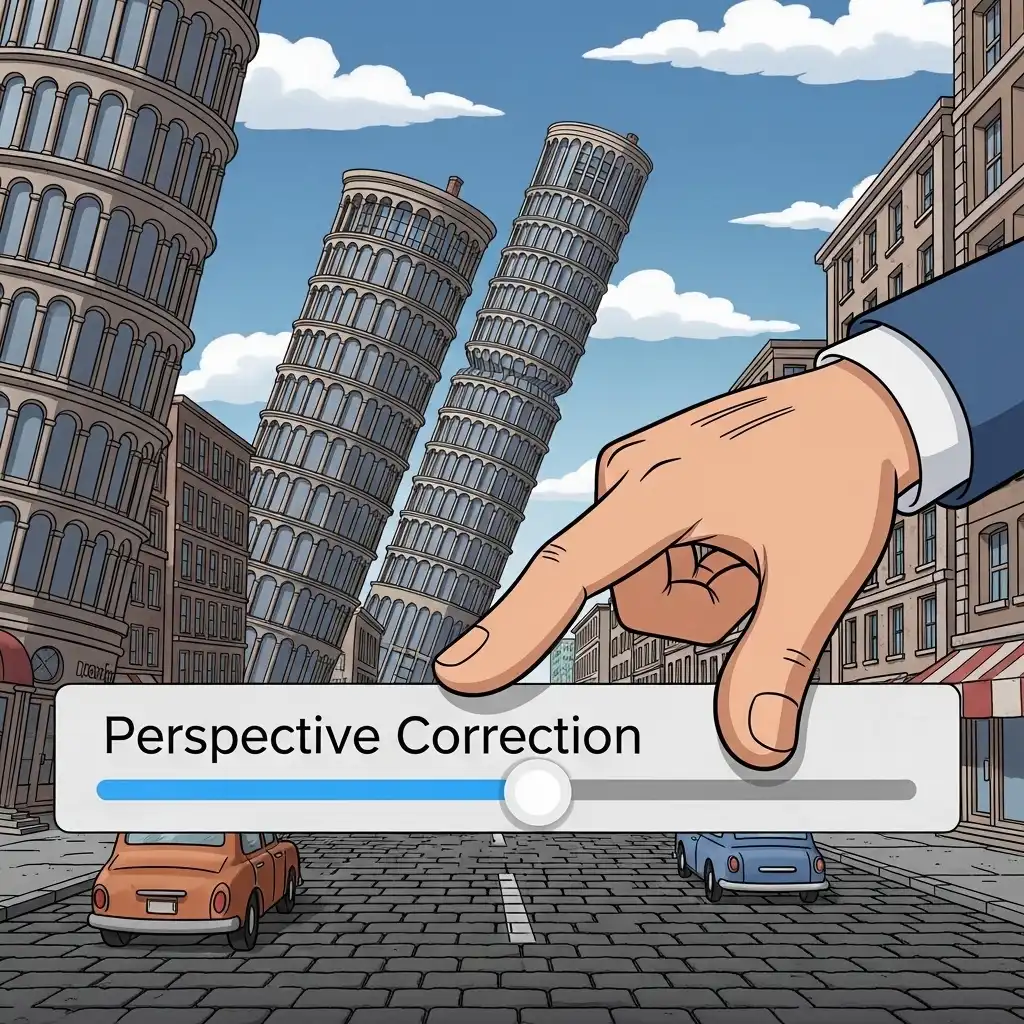
Point your camera at any tall building and physics will betray you: the walls lean inward, the tower appears to fall backward, and an image that felt majestic in person reads as a technical mistake on screen. This is converging verticals — the perspective distortion that appears whenever the camera tilts away from horizontal — and it is the single most credibility-damaging flaw in architectural photography. The good news: it is fully correctable in post, as long as you know which distortion you are fighting and where the believability limit lies.
In this guide you will learn why buildings lean in photos, how to separate roll from keystone distortion, a step-by-step perspective correction workflow in our Image Cropper, how much correction is too much, and when convergence should be preserved as intentional dynamism.
Why Buildings Lean in Photos (The Physics of Perspective)
In the real world, a building's vertical lines are parallel. In a photograph, parallel lines converge toward a vanishing point — that is how perspective works, and it is optically correct. The problem arises when the camera tilts: point the lens upward to fit a tower in frame and the vertical vanishing point enters the image, so the walls converge dramatically toward the top.
Your eye, which knows buildings stand plumb, reads that convergence as the building falling over. This is why architectural photographers carry tilt-shift lenses that shift the optical axis without tilting the camera — and why digital perspective correction exists: to reproduce in post what a tilt-shift lens does in capture. Understanding the cause matters, because the fix is not rotation but vertical perspective transformation.
Roll vs Keystone: The Two Distortions You Must Separate
Before correcting anything, diagnose which distortion you have — because each has its own tool. Roll is rotation around the optical axis: the whole image tilts sideways, horizons slope, and verticals lean uniformly in one direction; it is fixed by simple rotation, the same straightening used for tilted horizons.
Keystone — named after the trapezoid stone at an arch's top — is convergence: verticals tilt toward each other because the camera tilted up or down; rotation cannot fix it, only vertical perspective transformation can. Many images carry both: a handheld shot tilted upward and rotated slightly. The professional order is fixed: correct roll first with rotation so nothing leans sideways, then correct keystone with perspective controls so verticals stand plumb. Reversing the order produces corrections that fight each other.
How to Fix Converging Verticals Step by Step
- Straighten roll first: rotate until horizons and true horizontal references sit level.
- Identify your vertical references: columns, door frames, window edges, and building corners — the lines that must stand plumb.
- Open the perspective controls: access the vertical correction features in our Image Cropper and enable a grid overlay so you can judge plumb objectively.
- Apply vertical perspective correction: adjust gradually until your reference lines run parallel to the grid's verticals.
- Watch the top of the frame: keystone correction stretches the upper region, so monitor for elongated windows and warped proportions.
- Crop away the distorted wedges: remove the transparent or stretched areas that the transformation creates at the edges.
- Check final resolution: perspective correction interpolates pixels, so verify the file still serves its destination.
- Step back to viewing distance: ask the believability question: does the building stand with dignity, or does it look stretched?
How Much Correction Is Too Much (The Believability Test)
The goal is structural believability, not geometric perfection. Correct convergence completely and two things happen: the top of the building stretches unnaturally, and the image loses the subtle perspective cues that tell the viewer the camera stood below the subject — the result can feel sterile, like a rendered elevation drawing rather than a photograph. Correct too little and the lean still whispers error.
The professional sweet spot typically sits at ninety to ninety-five percent correction: verticals read as plumb at a glance, while a whisper of convergence preserves the sense of standing beneath the structure. Context shifts the target: commercial and real-estate work demands near-perfect plumb, while editorial and artistic work can keep more dynamism. Let the image's purpose set the dial, and always judge at viewing distance, where believability lives.
Converging Verticals Beyond Architecture: Interiors, Products, and Street
The discipline travels wherever straight lines carry meaning.
- Interiors: room corners, door frames, and furniture legs must stand plumb or the space feels tilted — real-estate listings live and die by this.
- Product photography: boxes, bottles, and devices must present plumb verticals, because convergence reads as sloppy staging in commercial work.
- Street photography: here the rule loosens — converging facades can be the story itself, pulling the eye down the canyon of a boulevard; correct only when the convergence reads as accident rather than composition.
The test is consistent across genres: does the convergence serve the image's intent, or undermine its credibility? Serve, keep; undermine, correct.
Common Perspective Correction Mistakes (and How to Fix Them)
- Trying to fix keystone with rotation: spinning the image until one leaning line looks plumb while the opposite line leans worse — rotation fixes roll, perspective fixes convergence.
- Over-correcting into stretched caricature: leaving the image with elongated tops and warped windows that scream manipulation.
- Ignoring horizontal convergence: common in two-point perspective shots, where both verticals and horizontals converge — correct the verticals first, then judge whether horizontals need attention.
- Correcting before straightening roll: this makes the two corrections fight each other unnecessarily.
- Forgetting that perspective transformation interpolates: the image gets stretched and cropped, dropping the final resolution, so you must always verify the final dimensions.
- Correcting intentional convergence: taking a dramatic low-angle shot whose power lives in the convergence, and forcing it into a flat, lifeless elevation.
Frequently Asked Questions
What are converging verticals in photography?
Why do buildings look like they are falling over in my photos?
How do I fix converging verticals without distortion?
Should I correct all convergence in architectural photos?
Can I fix perspective online in a free tool?
The Takeaway
Converging verticals are physics, not failure — but left uncorrected they read as error, and over-corrected they read as manipulation. Diagnose roll versus keystone before touching any control, straighten first and correct perspective second, use plumb references and grids to judge objectively, stop at the believability point rather than geometric perfection, and preserve convergence whenever it serves the story.
Key Takeaways:
- Tilt causes convergence; rotation fixes roll while perspective fixes keystone.
- Ninety to ninety-five percent correction is the professional sweet spot.
- Stretching at the top is the over-correction tell.
- The same discipline governs interiors, products, and street photography.
Stand your structures upright in our Image Cropper — your files never leave your browser.