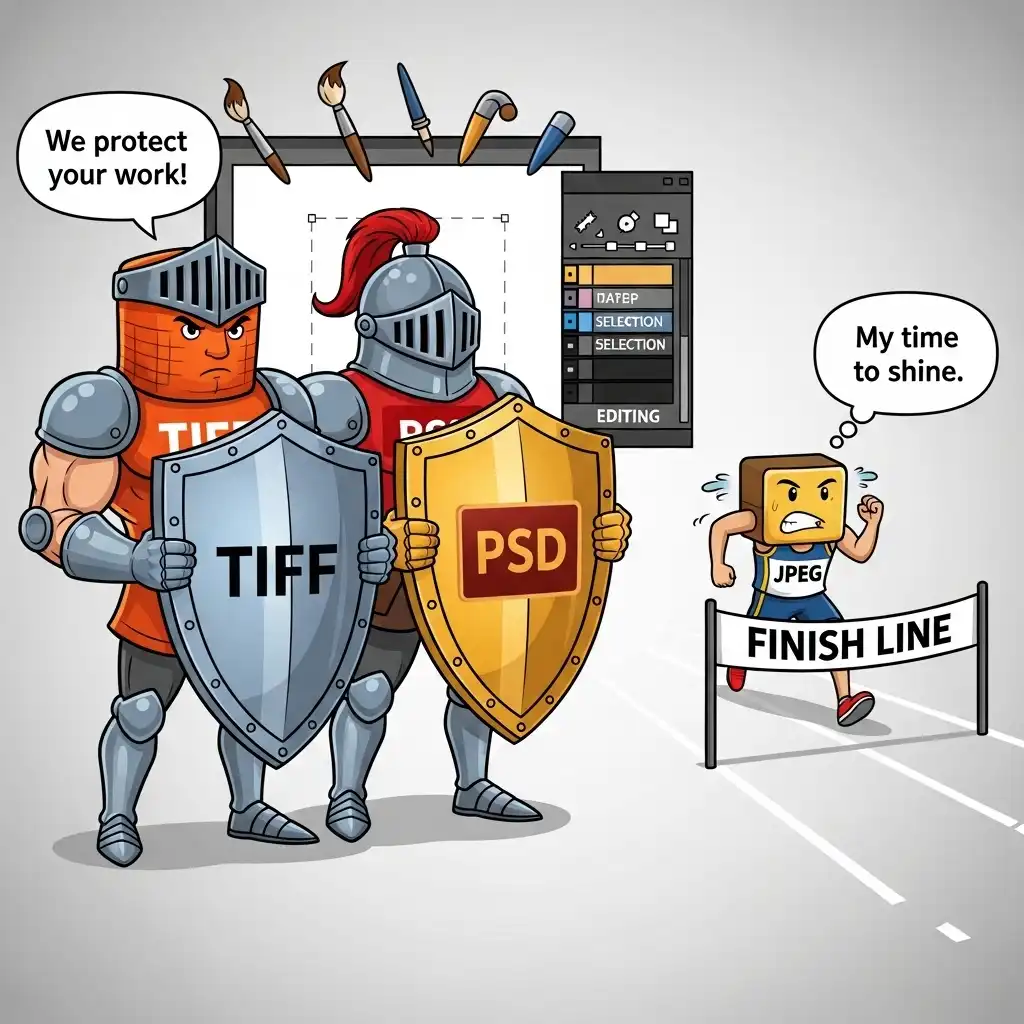
Every photograph you edit lives in two states: the working file and the delivered file. Confusing the two is one of the most expensive mistakes in digital photography — not in dollars, but in irrecoverable image quality. A JPEG saved repeatedly accumulates compression artifacts like interest on a debt; a TIFF or PSD edited non-destructively preserves every pixel until the final export.
In this guide you will learn why you should never edit JPEG files directly, what lossless and lossy formats actually do to your data, how generational degradation accumulates with each JPEG resave, the best file format for photo editing workflows, and when to convert to JPEG for final delivery using our Image Compressor.
Lossless vs Lossy: What Each Format Actually Does to Your Data
File formats fall into two fundamental categories. Lossless formats — TIFF, PNG, PSD, and RAW — preserve every pixel of your image data without discarding anything. When you save and reopen a TIFF a hundred times, the file remains bit-for-bit identical to the original.
Lossy formats — primarily JPEG and WEBP (in lossy mode) — achieve smaller file sizes by permanently discarding information the algorithm judges less visible. Every time you save a JPEG, more data is thrown away, and that data never comes back. Understanding this distinction is the foundation of professional file management: lossless formats are your working canvas, lossy formats are your final delivery vehicle.
Why You Should Never Edit JPEG Files Directly
Editing a JPEG directly is like photocopying a photocopy — each generation loses information. When you open a JPEG, make adjustments, and save it as JPEG again, the file undergoes a second round of lossy compression on top of the first. Open, edit, and save a third time, and a third round of compression compounds the damage.
This is called generational degradation, and it manifests as blocking artifacts (visible squares in smooth gradients), ringing (halos around high-contrast edges), color banding (stair-stepped gradients in skies), and overall softness. A JPEG edited and resaved ten times can lose thirty to fifty percent of its original information — damage no sharpening or noise reduction can recover. The professional rule is absolute: convert to a lossless format at import, edit non-destructively, and convert back to JPEG only at final export.
JPEG Compression Artifacts Explained (What You're Losing)
JPEG compression works by dividing the image into 8×8 pixel blocks and discarding high-frequency detail the algorithm judges imperceptible. At high quality settings (90–95%), this is nearly invisible on first export. But artifacts accumulate with each resave.
Blocking appears as visible grid patterns in smooth areas like skies and skin. Ringing creates faint halos around sharp edges like text and architectural lines. Color banding reduces smooth gradients to visible steps, especially in blue skies and shadow transitions. Chroma subsampling bleeds color information between neighboring pixels, softening fine color detail. None of these artifacts appear in lossless formats, which is why TIFF and PNG remain the professional standards for working files — they preserve the data you need for every future adjustment.
The Best File Format for Photo Editing Workflows
The professional workflow uses different formats at different stages. RAW is the capture format — the digital negative containing everything the sensor recorded. TIFF or PSD is the working format — lossless, layer-capable, and endlessly resavable without degradation. PNG serves specific purposes: transparency support for web graphics and lossless compression for archival.
JPEG is strictly the delivery format — the final, optimized file sent to web, social media, or client. The rule is simple: capture in RAW, edit in TIFF or PSD, deliver in JPEG. Each format plays its role, and crossing their purposes — editing JPEGs directly, or delivering uncompressed TIFFs to web — creates either quality loss or file-size bloat.
When to Convert to JPEG (And What Quality Settings to Use)
JPEG conversion belongs at the very end of your workflow, after all editing is complete and the image is resized to final output dimensions. Quality settings depend on destination: for web and social media, JPEG quality between 85 and 95 percent typically balances file size against visible artifacts — most viewers cannot distinguish 90% from 100% at normal viewing distance. For print, higher quality (95–100%) preserves detail that ink and paper will render. For archival storage where file size matters less, lossless TIFF or PNG is superior.
Our Image Compressor handles the final optimization step, reducing file size for web delivery while preserving visual quality. The key insight: convert once, at the end, with intention — never as an intermediate step.
The Complete File Format Workflow: From Capture to Delivery
A professional file format workflow follows five stages. First, capture in RAW whenever possible, preserving maximum data for editing. Second, import and immediately convert to TIFF or PSD if your editor requires it — never edit the original JPEG or RAW file directly. Third, edit non-destructively using layers, masks, and adjustment layers, saving frequently in your lossless working format.
Fourth, resize to final output dimensions only after all editing is complete — sharpening and compression are output-specific. Fifth, export to JPEG at appropriate quality for the destination, using our Image Compressor for web optimization if needed. Archive the working file (TIFF or PSD) alongside the final JPEG, so future revisions start from full quality, not from a compressed delivery file.
Common File Format Mistakes (and How to Fix Them)
- Editing JPEGs directly and resaving repeatedly: accumulating generational degradation with each save — convert to lossless at import.
- Delivering uncompressed TIFF or PSD files to web or social media: creating multi-megabyte files that load slowly — convert to optimized JPEG at export.
- Archiving only JPEG delivery files and discarding the working files: making future revisions impossible — keep both.
- Using PNG for photographic web delivery: when JPEG would be smaller at equivalent visual quality — PNG is for transparency, not photographs.
- Ignoring color space during export: sRGB for web, Adobe RGB or ProPhoto for print — mismatched color spaces cause shifts when viewed on different devices.
- Forgetting that RAW files are not a universal format: each camera brand uses its own RAW variant, requiring specific software support.
Frequently Asked Questions
Why should I never edit JPEG files directly?
What is the difference between TIFF and JPEG for editing?
When should I convert to JPEG?
What JPEG quality setting should I use for web?
Can I optimize JPEG files for web without losing quality?
The Takeaway
File formats are infrastructure, not afterthoughts: lossless formats preserve your working data, lossy formats deliver optimized files. Never edit JPEGs directly — convert to TIFF or PSD at import, edit non-destructively, and convert to JPEG only at final export with appropriate quality settings. Optimize your final delivery in our Image Compressor — your files never leave your browser.
Key Takeaways:
- JPEG compression is lossy and accumulates artifacts with each resave.
- TIFF and PSD are lossless and infinitely resavable.
- RAW is the capture format, TIFF or PSD is the working format, JPEG is the delivery format.
- Generational degradation is irreversible.
- The complete workflow — capture, edit in lossless, export to JPEG — protects image quality through every revision.