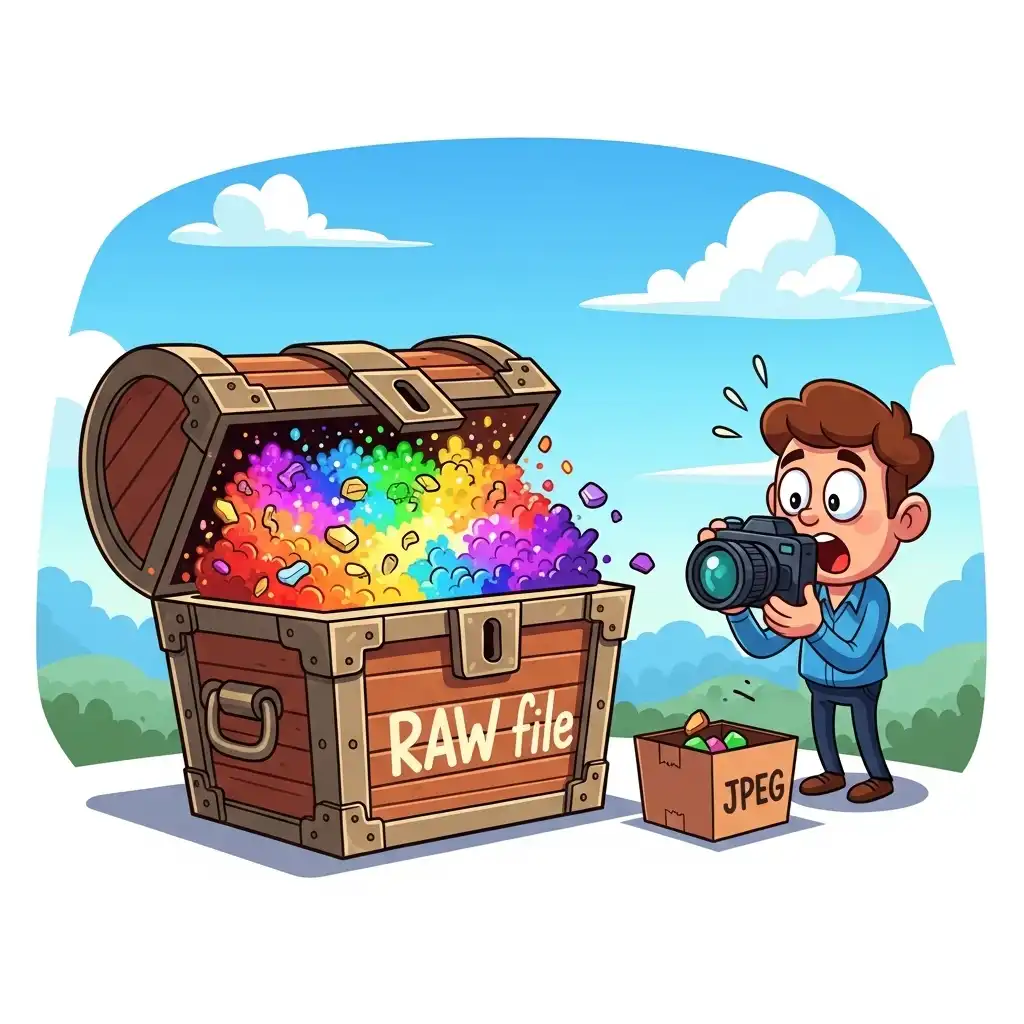
Every photographer eventually faces the same question: why shoot in RAW when JPEG files are smaller, faster, and ready to share? The answer lives in a single word — flexibility. A JPEG is a finished photograph baked at the moment of capture; a RAW file is a digital negative containing everything the sensor recorded, waiting to be interpreted. The benefits of shooting RAW show up in exactly the moments where JPEGs fail catastrophically: a blown highlight at a wedding, a color cast under mixed lighting, a shadow you desperately need to open.
In this complete RAW vs JPEG guide you will learn what a RAW file actually contains, why shadow recovery and white balance correction become almost free in RAW, the honest downsides of shooting RAW, and the complete workflow from capture to final delivery using our Universal Converter.
What Is a RAW File (and Why It Matters)
A RAW file is the unprocessed digital data that your camera sensor recorded at the moment of exposure. Unlike a JPEG, which the camera internally processes, compresses, and discards most of the original information to fit into a small file, a RAW file preserves the complete luminance and color data with minimal compression. Think of a JPEG as a finished painting signed by the artist at the scene — you can look at it, hang it, share it, but you cannot un-mix the colors. A RAW file is the artist's palette plus the brushes: every ingredient that went into the painting is still there, ready to be interpreted differently. That is why photographers call RAW the digital equivalent of a film negative — it is raw material for interpretation, not a final product.
RAW vs JPEG for Editing: The Head-to-Head Comparison
The practical differences between RAW and JPEG show up in four critical areas. Dynamic range: a typical RAW file holds 12–14 bits of data per channel versus JPEG's 8 bits, meaning RAW recovers roughly two extra stops of shadow and highlight detail that JPEG permanently discards. White balance: JPEG white balance is baked in at capture and hard to change without quality loss; RAW stores the original color temperature data, letting you re-set white balance in post as freely as if you had changed it in-camera. Sharpening and noise: the camera's internal JPEG pipeline applies sharpening and noise reduction you cannot undo; RAW leaves these decisions entirely to you. Compression: JPEG uses lossy compression that discards information every time the file is re-saved; RAW uses lossless or visually lossless compression with no generational degradation. These four differences compound: in a challenging exposure, a JPEG file simply cannot be edited to the same standard as the RAW file from the same shutter press.
Shadow Recovery: Why RAW Files Save Bad Exposures
The most dramatic benefit of shooting RAW is shadow recovery. Underexpose a scene by two or even three stops and a JPEG turns to muddy, color-shifted noise when you try to brighten it — the information was discarded at capture. A RAW file, because it preserves the sensor's full dynamic range, often recovers those same shadows cleanly, with usable color and structure. This is not a trick: it is simply the consequence of storing more data. It transforms exposure from a permanent decision into a recoverable one. A wedding in a dark church, a backlit portrait at sunset, a landscape with a bright sky and a shadowed foreground — every one of these situations is where RAW files earn their keep, pulling detail back from areas a JPEG would render as irrecoverable black.
White Balance Freedom: Correcting Color Casts Without Quality Loss
With a JPEG, incorrect white balance is a permanent scar. You can shift colors afterward, but every adjustment compresses data further and introduces artifacts, because you are editing a file that already discarded color information. With a RAW file, white balance is just a metadata tag — a note telling the software how to interpret the original color data. Change that tag and the entire image re-interprets without any quality loss, as if you had set the correct white balance in the camera in the first place. This makes color temperature correction photography completely painless: a tungsten-lit portrait shot on auto white balance becomes neutral in one click, a cool shade scene warms instantly, and mixed-lighting situations that would ruin a JPEG become minor adjustments. The freedom is so profound that many photographers shoot RAW primarily for this reason alone.
The Honest Downsides of Shooting RAW (and How to Manage Them)
RAW is not free, and pretending otherwise does a disservice to photographers considering the switch. File size is the first cost: RAW files are typically three to five times larger than JPEGs, demanding more storage, more backup, and slower memory card write times that can matter for action photography. Workflow is the second: RAW files look flat and dull straight out of camera, requiring editing before they are shareable — whereas JPEGs are ready to post. Processing time is the third: every RAW file needs to be interpreted, exported, and often delivered in a different format for web or client use. The honest answer is that RAW costs time and space in exchange for flexibility and quality — a trade-off worth making for work that matters, and unnecessary for casual snapshots. The workflow cost can be managed by batch-processing and using tools like our Universal Converter to quickly process processed RAW exports into lightweight formats like WEBP or optimized JPEG for fast delivery.
When You Should Shoot RAW (and When JPEG Is Enough)
The rule is simple: shoot RAW whenever the image matters, and JPEG when it does not. RAW is essential for professional work, portfolio images, prints, weddings, commercial photography, landscapes, and any situation with challenging or uncertain lighting. It is also worth it for personal photographs you will treasure — family, travel, milestones — because the extra flexibility will serve you better five years from now when you want to re-edit an old photo with better skills. JPEG is perfectly fine for casual snapshots, high-volume event coverage where you shoot thousands of frames, social media content that will never be printed, and any situation where speed of sharing outweighs image quality. Many professional cameras offer RAW + JPEG simultaneous capture, which gives you the best of both: ready-to-share JPEGs plus RAW safety nets for the shots that turn out to matter.
The Complete RAW Workflow: From Capture to Delivery
- Capture in RAW (or RAW + JPEG for safety).
- Import into your editing software and apply a consistent base profile that matches your camera's color science.
- Correct white balance first — the single biggest advantage of RAW, and the first step of every professional workflow.
- Recover shadows and highlights using the extra dynamic range; push sliders further than feels safe and watch the data come back.
- Shape exposure, contrast, color, and apply selective edits using layer masks and adjustment layers.
- Sharpen last, tied to final output size and destination.
- Export in the format your delivery requires: TIFF for print, high-quality JPEG for most web use, WEBP for modern fast-loading sites.
- If you need to batch-convert exports for different platforms or reduce file size without losing quality, our Universal Converter handles the job without another upload.
This sequence transforms RAW's perceived burden into a controlled, repeatable craft.
Common RAW Mistakes (and How to Avoid Them)
- Shooting RAW without ever editing it — the files sit on drives looking flat and unused, defeating the entire purpose.
- Ignoring the extra dynamic range by editing RAW files as cautiously as JPEGs — the magic of RAW is that you can push sliders far beyond what would ruin a JPEG.
- Editing without a monitor calibration — RAW's color flexibility only matters when your display shows accurate color.
- Forgetting that RAW is not a magic bullet — bad composition, missed focus, and poor lighting remain bad, just with more data to fail with.
- And skipping the backup discipline that large RAW libraries demand — losing years of RAW files to a failed drive is a preventable tragedy.
Frequently Asked Questions
Why should I shoot in RAW instead of JPEG?
Can I really recover shadows in RAW files?
Do I need to shoot in RAW to be a good photographer?
Are RAW files worth the extra storage and workflow cost?
Can I convert RAW files to JPEG or WEBP online for free?
The Takeaway
RAW is not a format — it is a choice to preserve possibilities. It trades file size and workflow convenience for the flexibility to recover shadows, correct white balance perfectly, and edit without quality loss. Practice the full chain in our ecosystem — your files never leave your browser.
Key Takeaways:
- A RAW file is a digital negative, not a finished photo.
- It holds roughly two extra stops of dynamic range over JPEG.
- White balance becomes a free, lossless adjustment.
- Shadow recovery transforms bad exposures into salvageable ones.
- RAW is essential for work that matters and unnecessary for casual snapshots.
- The complete workflow — capture, edit, sharpen last, convert for delivery — turns RAW's perceived burden into a repeatable professional discipline.